Website speed and Core Web Vitals in plain words
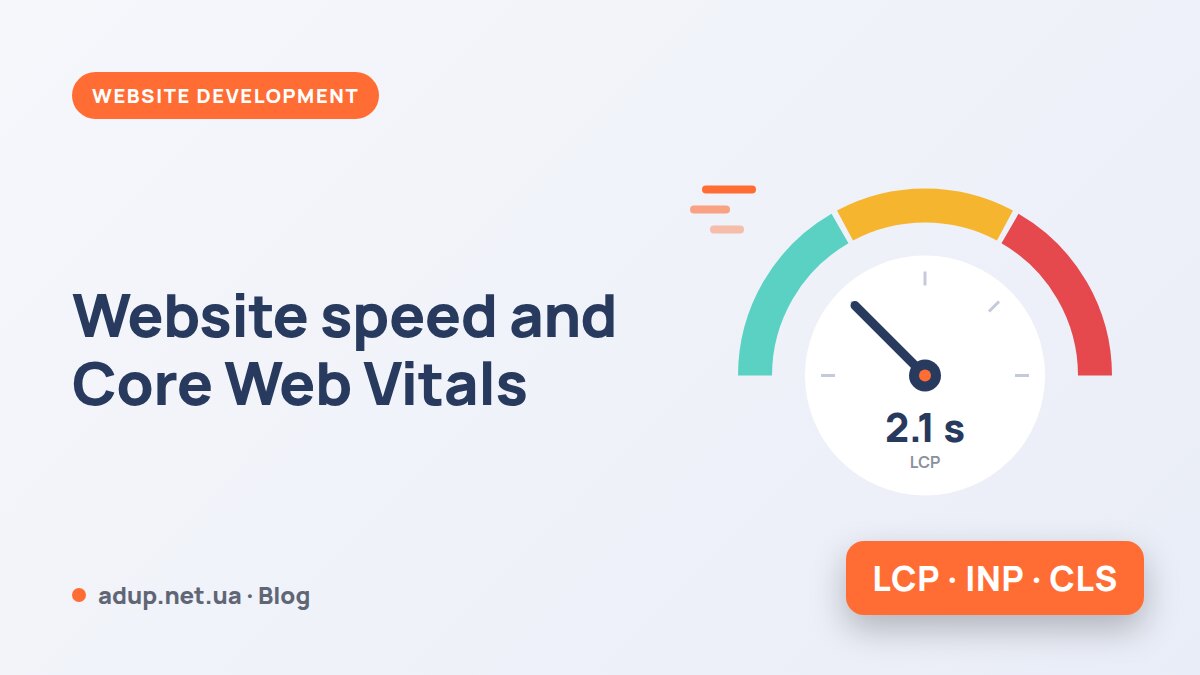
A slow website loses customers before they even see your offer. Google measures page speed and usability with three metrics, the Core Web Vitals. We explain them without technical jargon and show what usually slows a site down.
Three metrics Google looks at
LCP (Largest Contentful Paint) — how many seconds it takes for the largest above-the-fold element to appear: the main photo, banner or headline.
INP (Interaction to Next Paint) — how quickly the page responds when someone clicks a button, opens a menu or types. In March 2024 it replaced the earlier FID metric.
CLS (Cumulative Layout Shift) — how much the page "jumps" while loading. A classic example: you go to tap a link, a banner suddenly appears above it and you tap the wrong thing.
What most often slows a site down
Heavy images
3–5 MB photos above the fold. Fix: WebP format, the right size, priority loading for the banner.
Slow server
The page takes long to generate. Fix: page caching, a modern PHP version, good hosting.
Too many scripts
Chats, pixels, widgets, sliders. Fix: remove what you don't need and defer the rest.
Images without dimensions
The browser doesn't know how much space to reserve. Fix: specify width and height.
Fonts that "jump"
Text is redrawn after the font loads. Fix: preload fonts.
Banners and cookie bars
They push content down. Fix: reserve space for them or display them as an overlay.
How to check your website
- Open PageSpeed Insights (pagespeed.web.dev) and enter the page address.
- Look first at the block with real user data: that's what Google takes into account. The lab score below helps find the causes.
- Check the mobile version separately: that is what Google uses to assess most websites.
- In Google Search Console, open the Core Web Vitals report to see problematic page groups.
Need help with your website or ads?
Tell us about your task and we'll suggest where to start and propose a solution for your budget.